TapTV
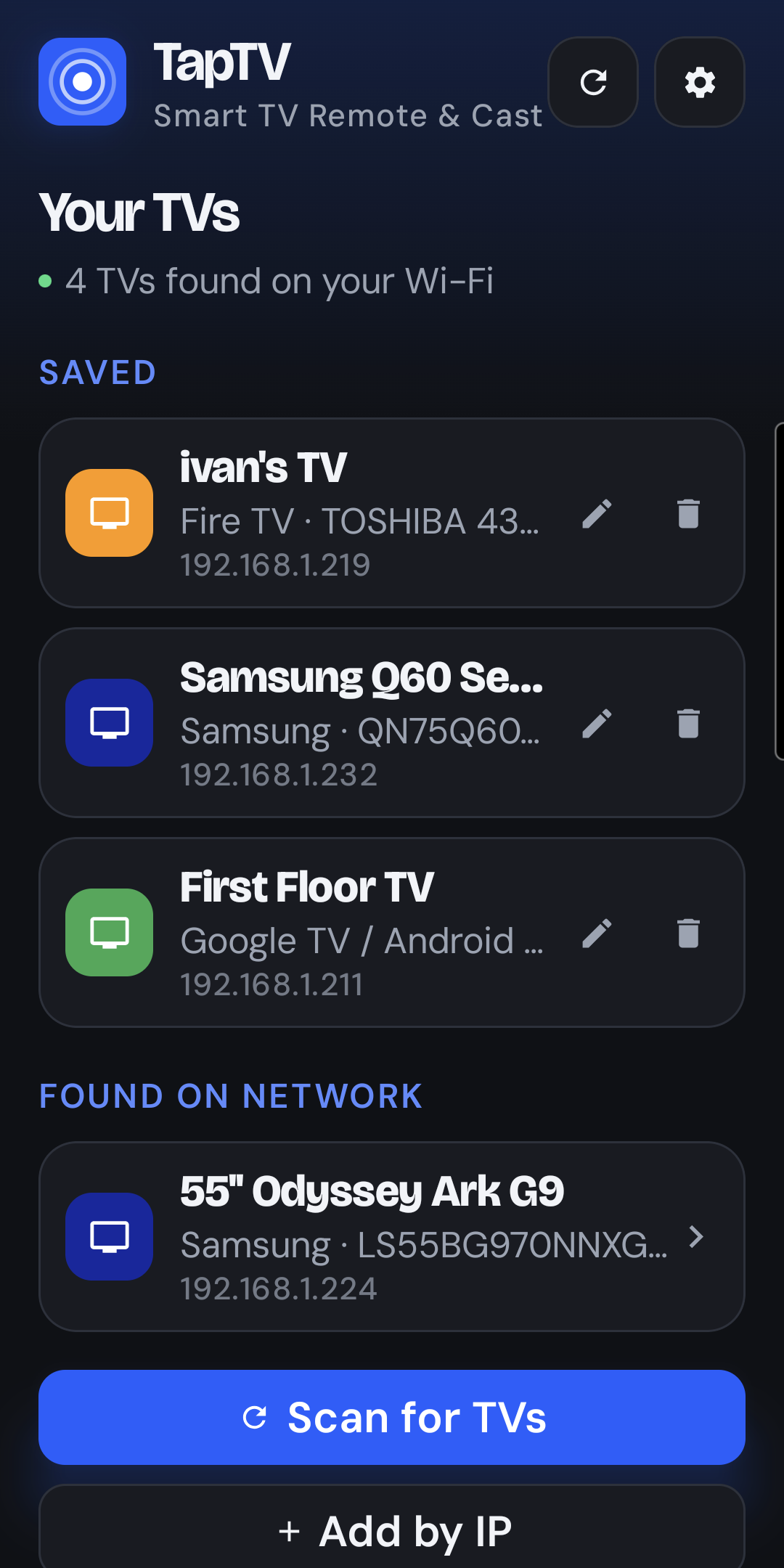
Lost the remote again? TapTV finds every TV on your Wi-Fi and gives you a fast, full-featured remote on your phone: one app for Samsung, LG, Roku, Google TV, Android TV, Fire TV and Vizio, with one-tap launching for your streaming apps, typing and voice search, and screen mirroring. Pair once and it reconnects on its own.
Screenshots
Everything a remote does, and more.
Features
One remote for the whole house.
- Finds your TVs automatically on your home Wi-Fi, or add one by its IP address.
- One app for every brand: Samsung (Tizen, 2016 and newer), LG (webOS), Roku, Google TV / Android TV, Fire TV and Vizio SmartCast.
- Pair once, then it reconnects on its own every time you open the app.
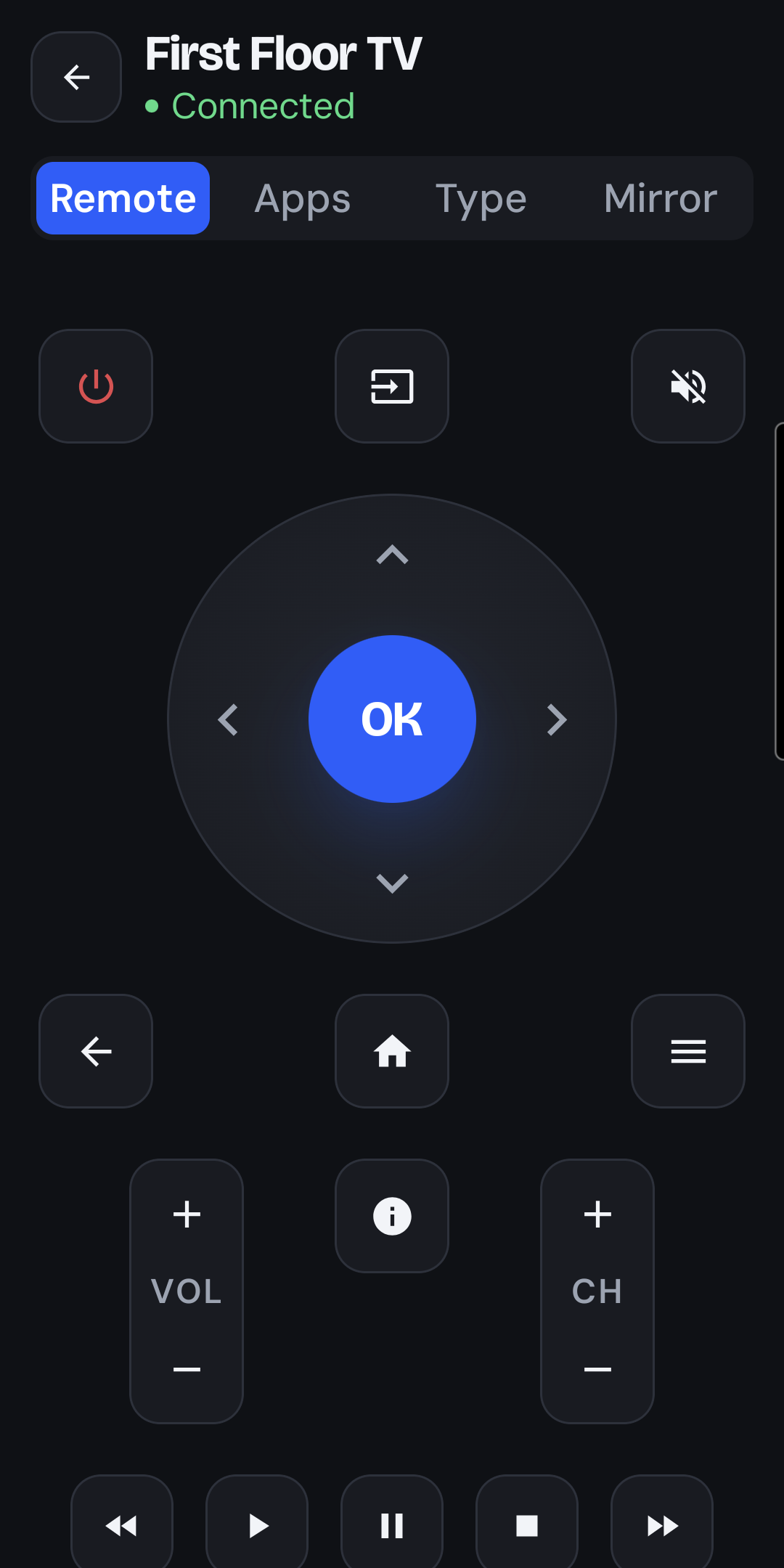
- A full remote: D-pad, volume, channel and playback controls.
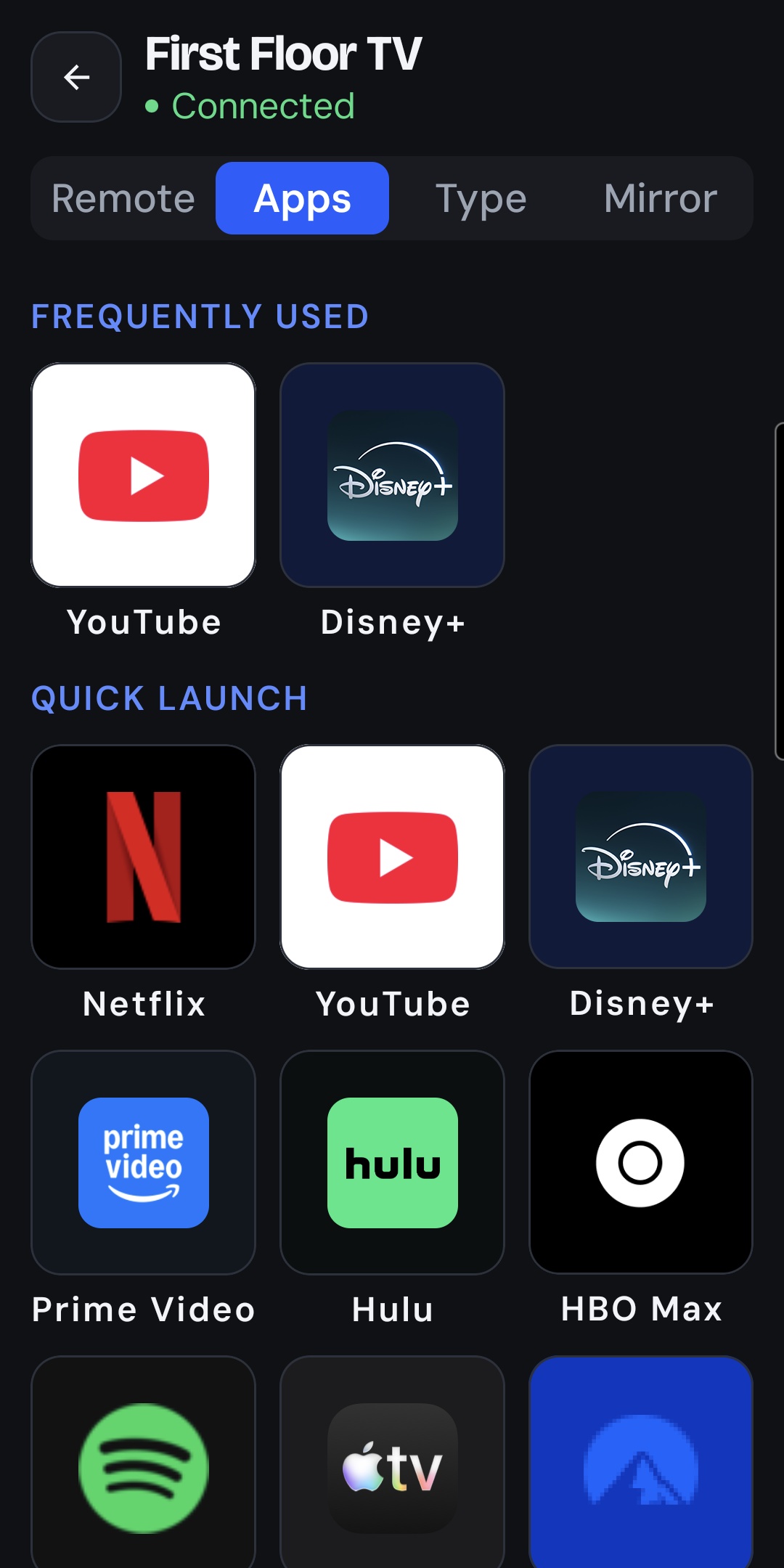
- Your TV's apps, with their icons, read straight from the TV, plus one-tap tiles for Netflix, YouTube, Disney+, Prime Video, Hulu, Max, Spotify, Apple TV and more.
- "Frequently used" keeps the apps you open most at the top.
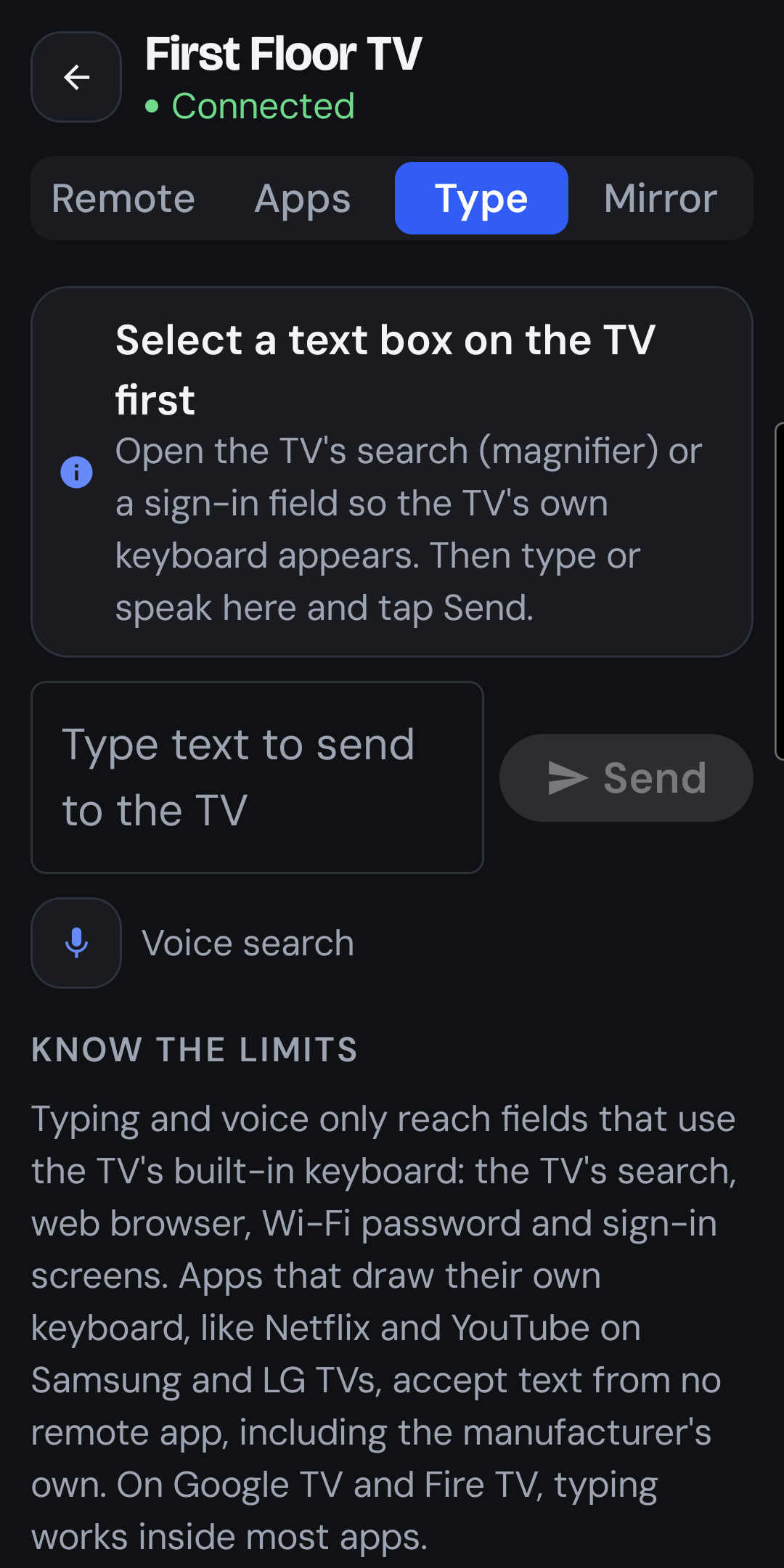
- Type or talk into TV search with your phone's keyboard or the mic, instead of pecking at letters on screen.
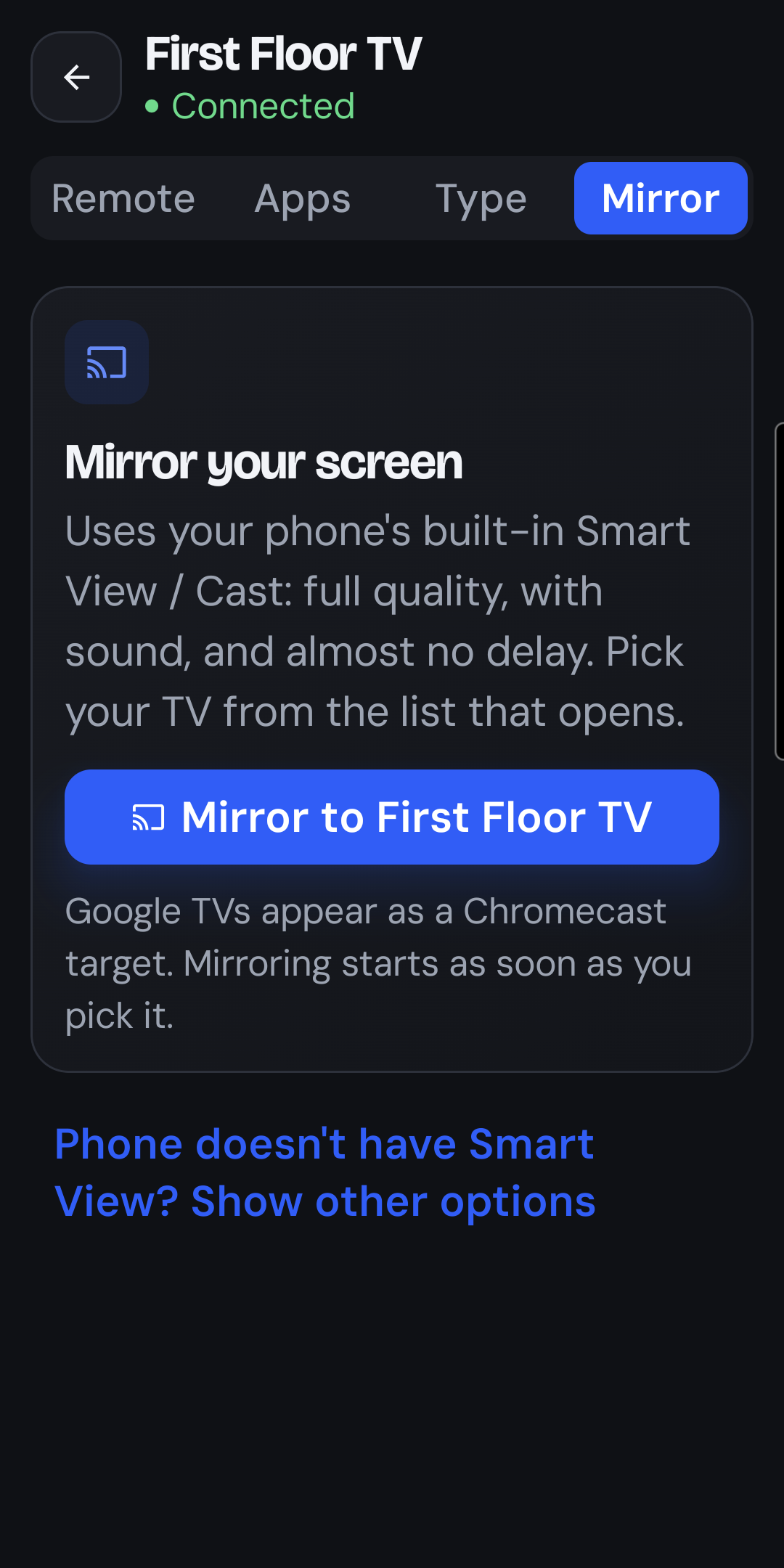
- Mirror your screen through your phone's Smart View or Cast, with a built-in streaming fallback for phones without it.
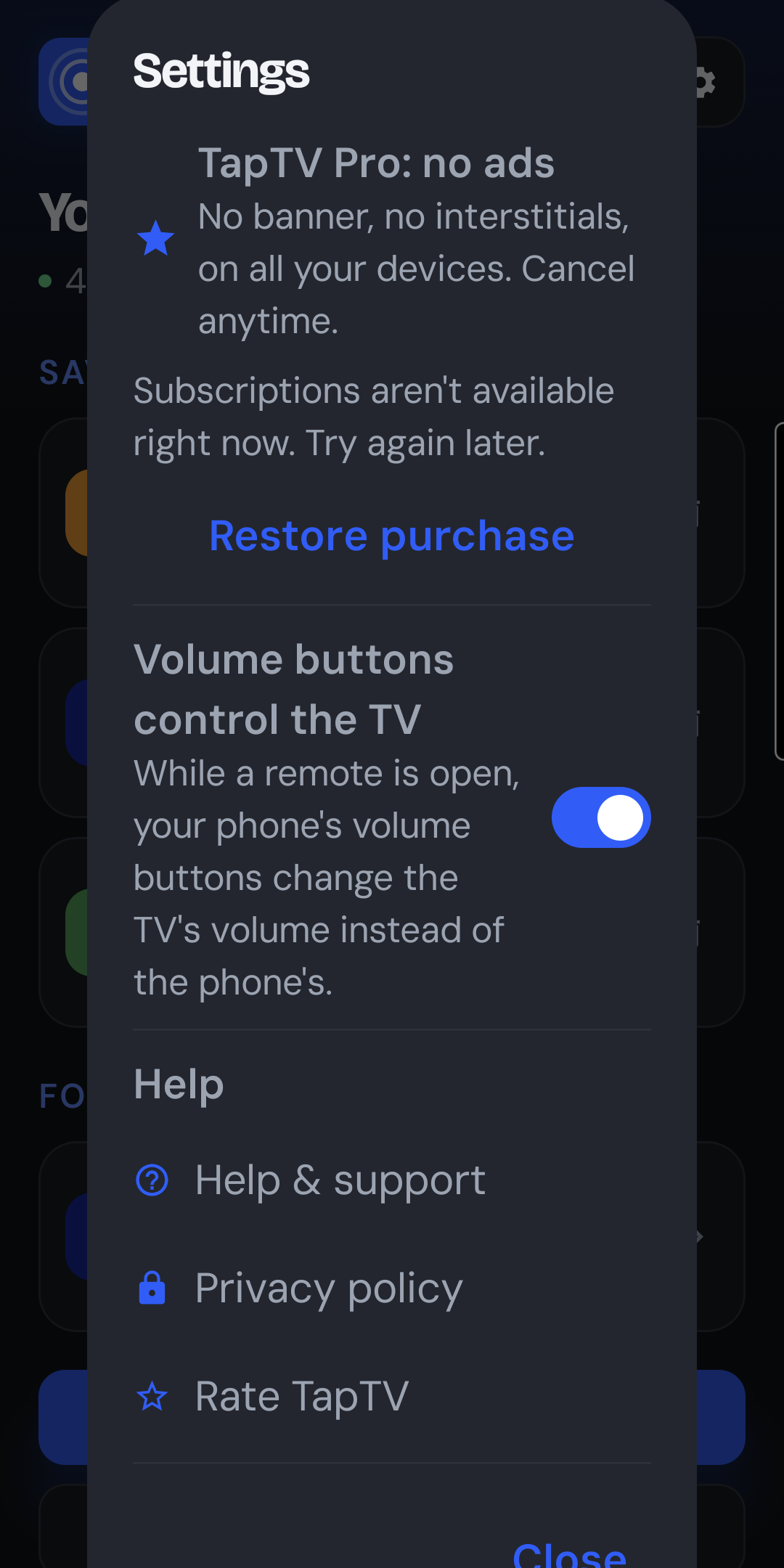
- Phone volume buttons control the TV while the remote is open.
- Always within reach: a home screen widget and a Quick Settings tile.
- Turns the TV on from standby on Samsung and LG sets, using Wake-on-LAN.
- No account, nothing leaves your home network. Your phone talks to your TV directly.
- Free with ads, or go ad-free with the TapTV Pro subscription.
- In English and Spanish.
Supported TVs
Works with the TVs you already own.
Your phone and TV need to be on the same Wi-Fi network. Each TV asks you to allow TapTV the first time, then remembers it.
Samsung
Tizen smart TVs from 2016 onwards. Accept the "Allow TapTV?" prompt on the TV. Can power on from standby with Wake-on-LAN.
LG
webOS smart TVs. Accept the pairing prompt with the TV's remote. Can power on from standby with Wake-on-LAN.
Roku
Roku TVs and players. No pairing needed; just make sure "Control by mobile apps" is enabled in the Roku's settings.
Google TV / Android TV
Type the 6-character code the TV shows the first time you connect.
Fire TV
Fire TV sticks and TVs. Enter the 4-digit PIN the TV shows the first time you connect.
Vizio SmartCast
Enter the 4-digit PIN the TV shows the first time you connect.
Help and privacy
Need a hand?
Connection tips for every brand, mirroring, typing, the widget and TapTV Pro are covered in our support guide. TapTV has no account and sends nothing off your home network; the privacy policy has the details.