TapScan
Staying in a hotel, an Airbnb or a new office? TapScan checks the room for hidden cameras, recorders and trackers four different ways, explains why it flagged each device, and helps you walk right up to it.
Screenshots
Four tabs, one clear answer.
Four ways to look
Wi-Fi, hotspots, Bluetooth and lens.
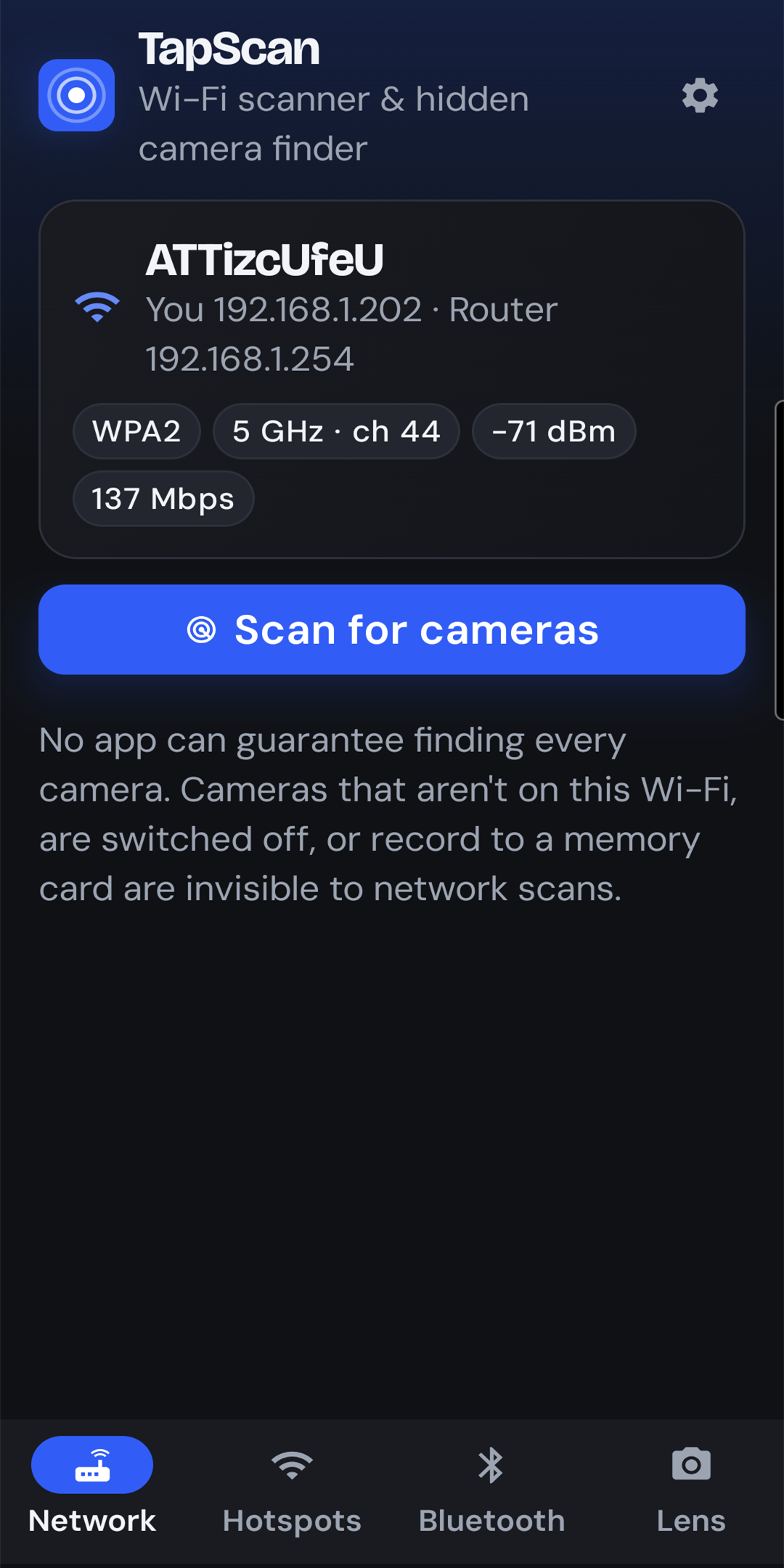
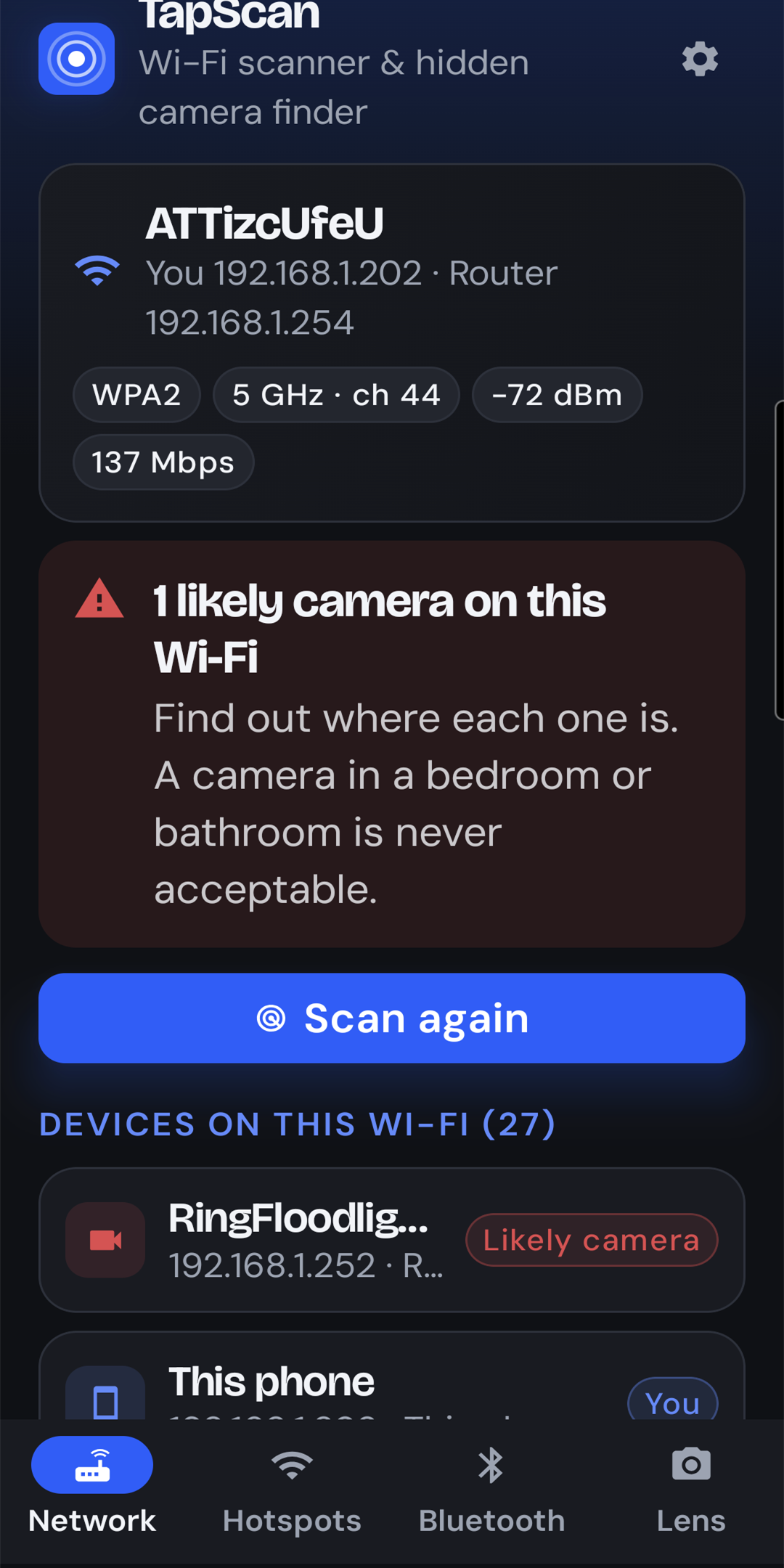
Wi-Fi scan
Finds every device on the network you're connected to and flags the ones that behave like cameras, from their maker, their open ports and the names your router knows them by.
Camera hotspots
Many spy cameras broadcast their own Wi-Fi. TapScan lists the networks around you and marks the suspicious ones.
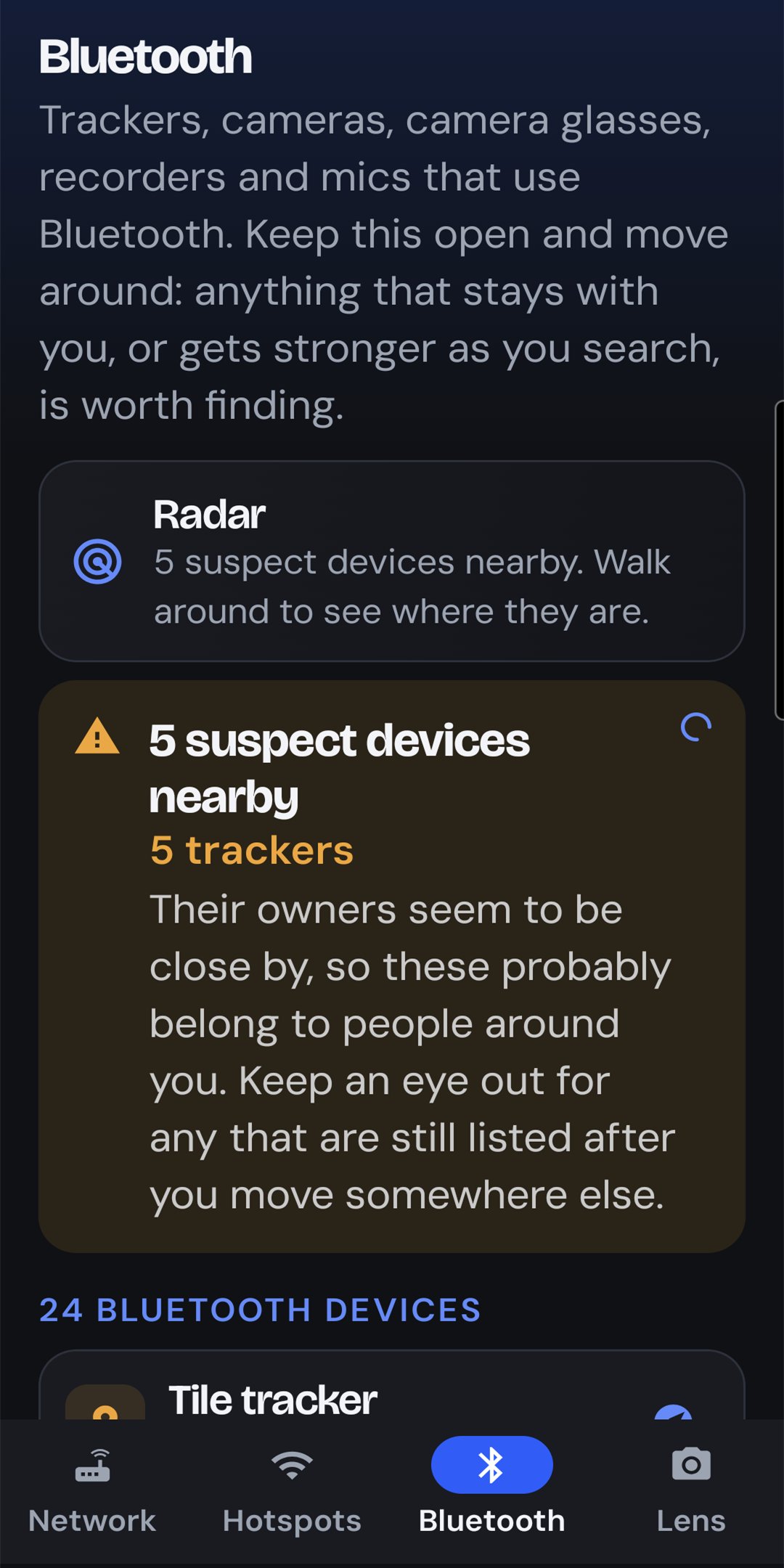
Bluetooth
Spots camera glasses, action cams, voice recorders, wireless mics and tracking tags, then a live signal meter gets warmer as you get closer.
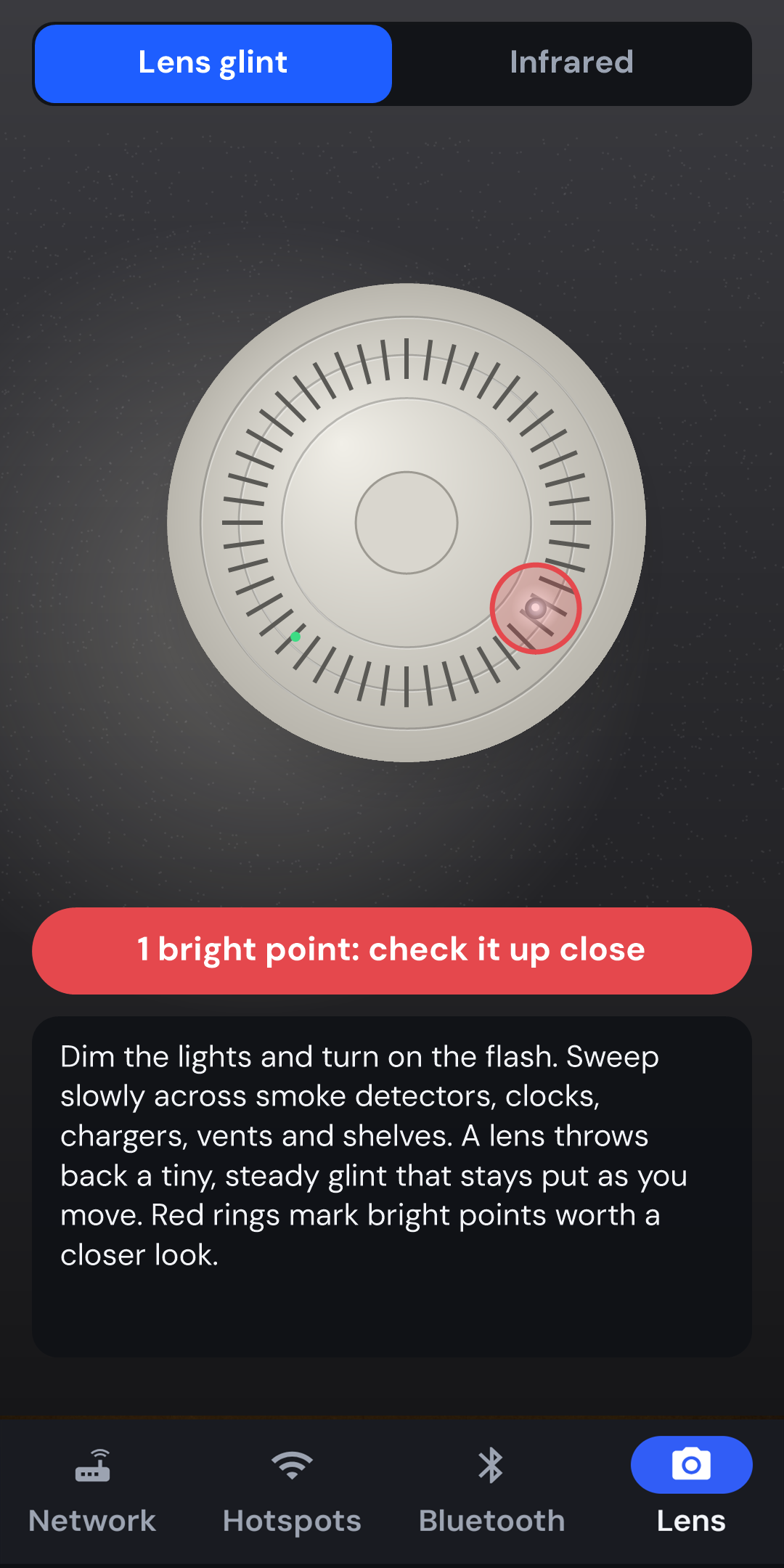
Lens finder
Your phone's flash makes a hidden lens glint. TapScan rings bright points in the camera preview so you can check them. Switch to infrared mode to catch night-vision LEDs in the dark.
Honest results, private by design
It tells you why, and what it can't see.
- Every flag comes with the reasons behind it, so you can judge for yourself.
- Known-safe devices (TVs, printers, speakers, consoles) are identified so they don't cause false alarms.
- Says plainly what it cannot see: cameras on another network, switched off, or recording to a memory card.
- No account, no sign-up.
- Scans run on your phone and stay there. Nothing is uploaded.
- Location permission is only used because Android requires it to read Wi-Fi and Bluetooth scan results. TapScan never reads or stores your position.
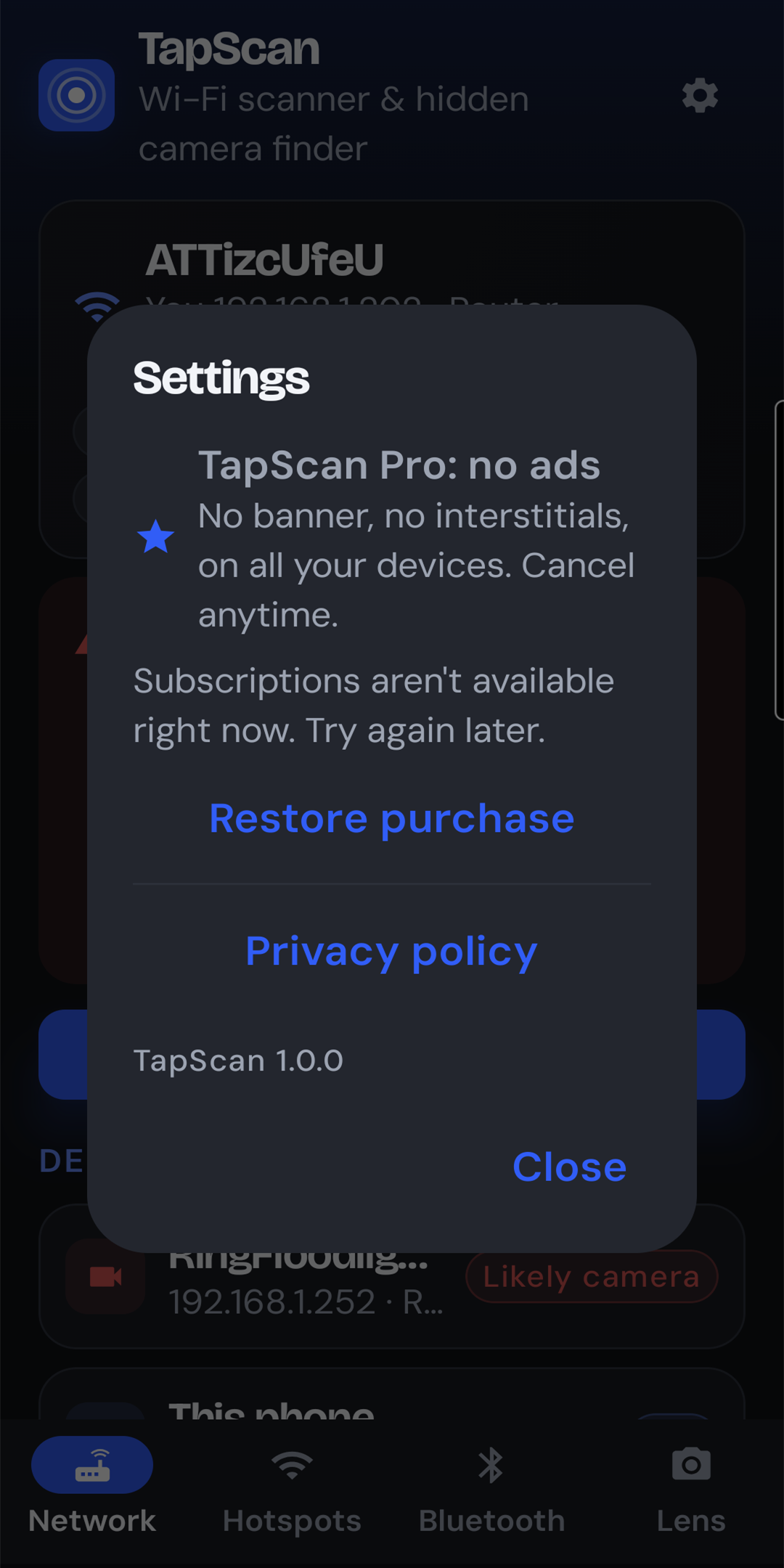
- Free with ads. TapScan Pro, a monthly or yearly subscription, removes them.
Looks for
- IP cameras
- Doorbell cams
- Spy-cam hotspots
- AirTags
- SmartTags
- Tile
- Camera glasses
- Action cams
- Voice recorders
- Wireless mics
No app can guarantee finding every hidden device. TapScan gives you the best picture your phone's radios and camera can provide, and shows you how to look further.
Help and privacy
Need a hand?
Why TapScan asks for Location, how to use the radar and the Lens finder, and what to do if you find a camera are all covered in our support guide. The privacy policy explains exactly what TapScan looks at and why.